I asked AI to exorcise my television
Cleaning up my Android TV with AI, a little tinkering, and more confidence than the situation called for.

· 5 min read
I wanted to watch something on my television, which apparently required first negotiating with a home screen that had rather strong opinions about what I should watch, which services I should discover, and how much of my evening belonged to its recommendations. No, I don’t want a Hero Vida evooter. I’m an Ather fanboy. Could you stop showing me ads for that, please? Somewhere inside this arrangement was a screen I had paid for, patiently waiting for permission to behave like one.
Kailash Nadh’s essay on user disengagement gets at something I keep coming back to: software ought to help us finish what we came to do, without manufacturing additional reasons to hang around. This seemed particularly reasonable for a device whose entire job, in my house, was to open four apps and occasionally accept an HDMI cable.
Naturally, I decided to operate on it over Wi-Fi.
The patient was a Blaupunkt running Android 14, and the discovery that made the experiment possible was CleanYourTV, a project with both guarded cleanup tools and a small native Android TV launcher. With developer options enabled and an authorised ADB connection, I could have the coding assistant inspect the installed packages and build the launcher, then check the results on the actual television. I was now sitting in front of the TV with a laptop and a remote, getting considerably more invested in this than I had planned.
Before pulling any wires, I had the assistant save the package lists, system properties and settings, and prepare a restore script. The cleanup used pm disable-user --user 0, which leaves packages installed so I can re-enable them if something stops working. Twelve selected packages covering feedback, advertising, recommendations and unused apps were disabled in small batches, followed by the stock launcher once its replacement was working. Input services, Bluetooth, the keyboard, Play Services and firmware updates stayed intact.
I should probably mention that I hadn’t really asked my parents before starting any of this, and at some point I was mostly winging it and hoping I wouldn’t have to explain why the TV no longer turned on.
I had Apple TV in mind, with its large app tiles and spacious layout, and wanted something along those lines that would feel clean and quick on my existing hardware. I used the project’s launcher as the starting point and had the assistant make the configuration changes and source edits as I tried things out on the screen. My home screen now has YouTube, JioHotstar, YouTube Music and Prime Video in a four-app dock, a black background, a 24-hour clock, a short date, and “Swapnil Nair’s Custom UI” at the top, because apparently the final stage of reclaiming a television is putting your name on it. The launcher APK came in under 600 KB, which I thought was pretty crazy given how much of the experience had changed.
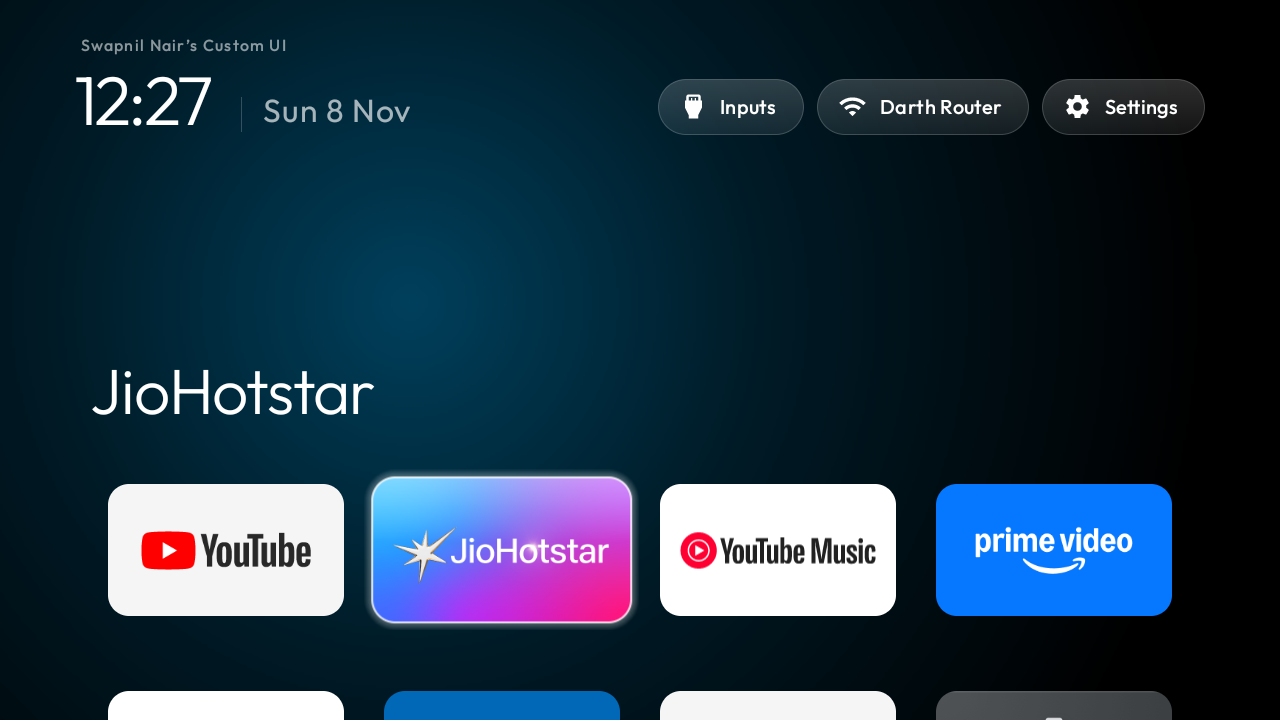
There was a fair amount of checking screenshots, moving around with the D-pad and pressing buttons on the real remote to see whether everything still worked. Setting the default Home activity took some fiddling because the stock launcher kept opening even after the command reported success. Once that was sorted, I checked that the changes survived a reboot and that I could still open my apps and play something.
A friend suggested adding AirPlay so I could share photos from my iPhone on the big screen. She had several other great ideas too, most of which I shot down because I wanted to keep the setup light, though sharing photos was something I could actually see myself using regularly. I installed an AirPlay receiver from F-Droid, opened its tile and entered the pairing PIN on my iPhone, and there were my photos on the television. That was probably the point at which I started grinning at the thing.
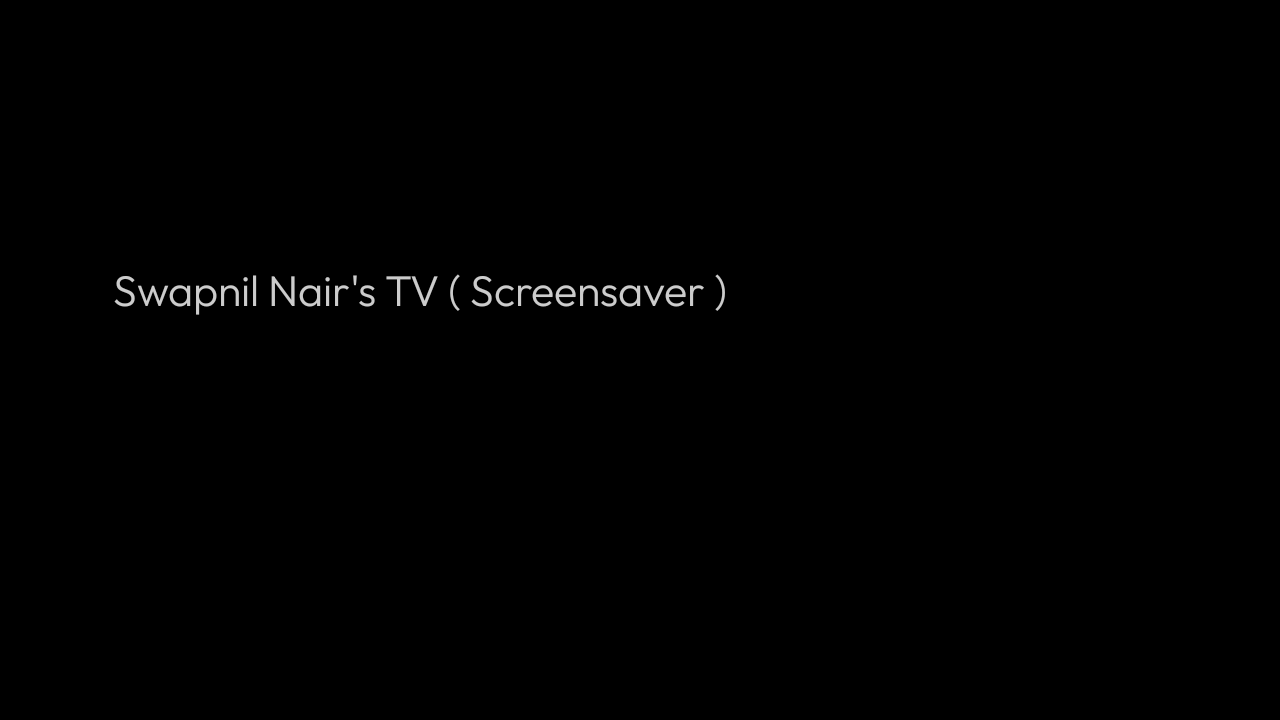
I also replaced the idle slideshow with “Swapnil Nair’s TV ( Screensaver )” on a black background, with the text shifting position periodically. By this point I had put my name on both the home screen and the screensaver, which should tell you how pleased I was with myself. My mom now wants photos from our family trips as screensavers, which I have begrudgingly agreed to do. Apparently my name on a black background does not count as a family memory.
I timed a full cold boot afterwards: under three seconds. This TV doesn’t have a warm boot, so that was starting from fully off. Nuts.
If you have an Android TV or Google TV, give this a go. Seriously. The whole experience was surprisingly chill, and getting a home screen that does exactly what I want has made me disproportionately happy. Pick an evening, open up the project, and have some fun with it.
I keep wondering what else I’ve been putting up with simply because it never occurred to me to ask AI to help change it. My television certainly wasn’t on my list of coding projects a week ago. For now, I suspect a lot of the limitation is us: what we think to try, what we assume is possible, and how narrowly we imagine using these tools. I asked mine to exorcise a television. I should probably get more ambitious.